
Log into your Variphy web interface using an Administrator level login.
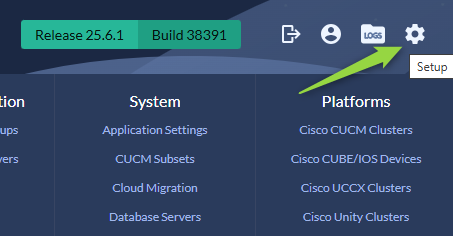
Navigate to the System Settings using the gear icon on the top right.
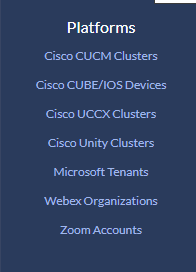
From the system menu select the appropriate platform.
Once in the Platform Configuration menu select the CDR Processing menu.
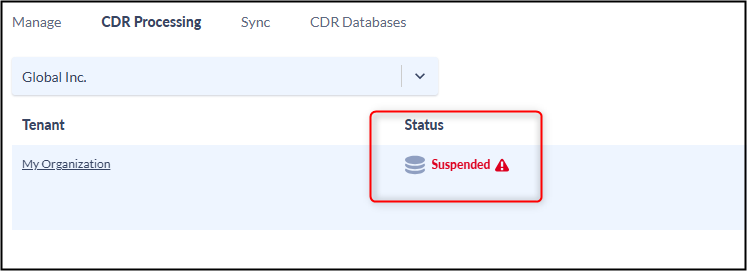
Edit the Cluster by clicking the name of the cluster or gear icon to the right of the cluster name.
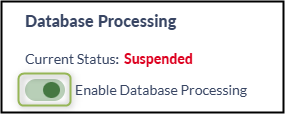
Under the Data Processing section you should have Enable Database Processing toggled on but the Current Status is Suspended.
Click Save and Continue on the bottom right of the screen

Click Active.
